MSI Kombustor
MSI Kombustor is a utility for testing GPU performance and graphic cards stress tests.

Safe & Secure
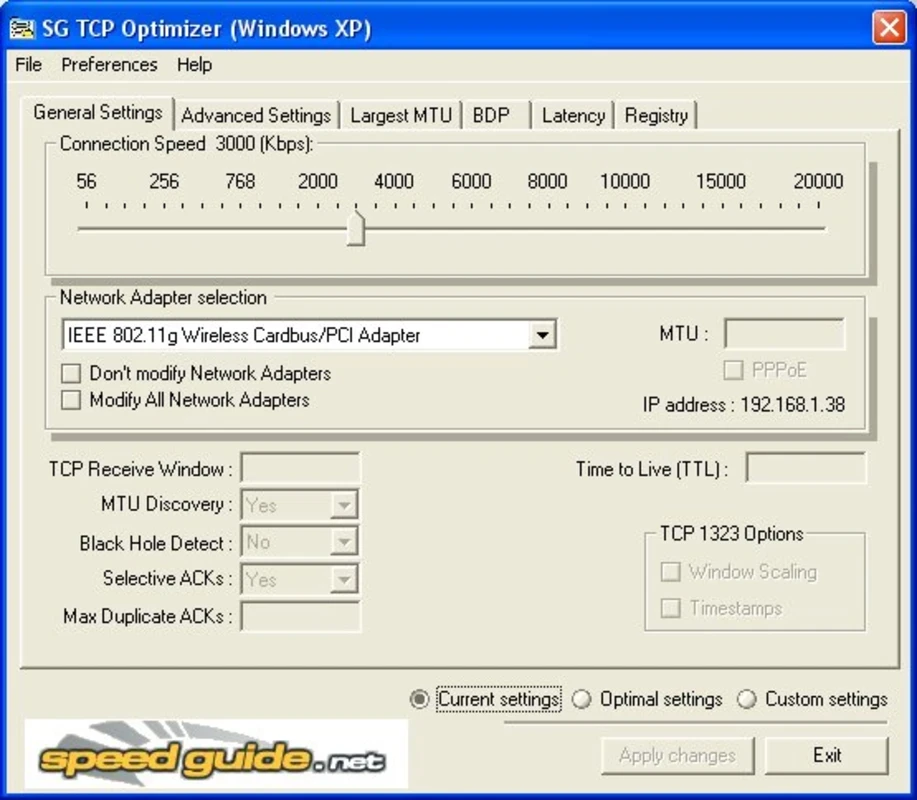
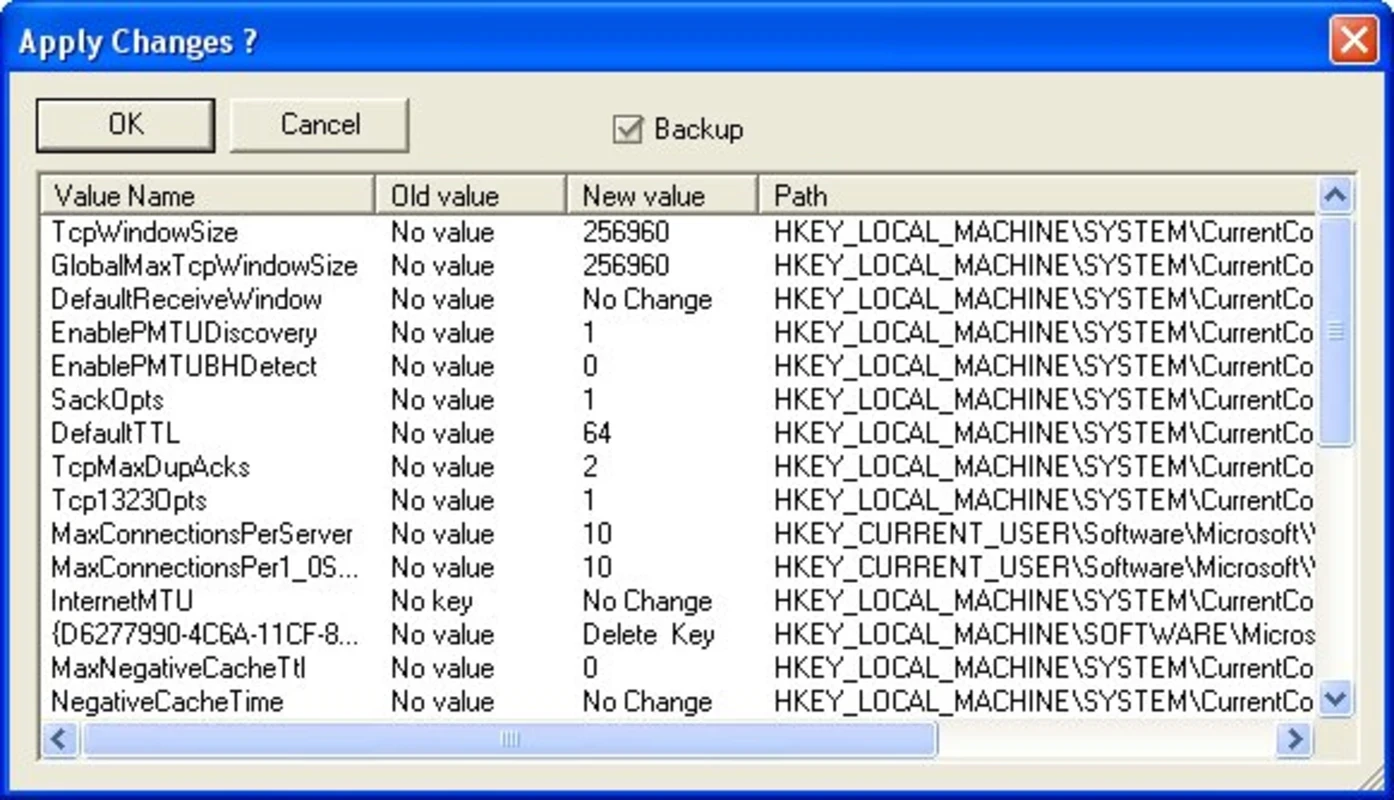
SG TCP Optimizer is a comprehensive Windows application to optimize the Internet connection, offering a safe environment to simplify the often-complex process of tweaking network settings. It offers an intuitive interface and a wide range of customizable settings, covering basic and in-depth registry operations.
By default, our connection doesn’t offer much assistance for this purpose because of the operating system restrictions. So, we need powerful software to manage the particular operation for boosting performance and security, and SG TCP Optimizer proves the best choice for the purpose.
SG TCP Optimizer is a free-to-use, handy tool for the Windows operating system, developed by Speed Guide, Inc. It falls under the Networking category and offers seamless compatibility for all Windows versions, including Windows 98 and earlier versions. It enhances the performance of your Internet connection, offering the optimum configuration settings.
The comprehensive Windows app fine-tunes TCP/IP parameters such as MTU, RWIN, and even QoS and ToS/Diffserv prioritization, ensuring low-latency, robust speed, and improved overall network performance. It also helps to enhance the voice quality for VoIP calls.
The user-friendly interface caters to optimizing TCP/IP settings, presenting the main window in a clear layout, as you will find tabs for different categories of settings. You can understand the purpose and impact of each setting using the description accompanying each tab. The overall look of the interface is clean, responsive, and conducive to different configurations. So, you can select a network adapter, select automatic optimization, and manually adjust settings. However, you have to need to reboot after applying new settings.
It is one of the core features available at the top of the main window, enabling users to set the maximum available bandwidth for your connection. It depends on your selected Connection Speed to manage general settings, selecting from Windows Default, Current, Optimal, or Custom options. If you want to go with Custom, you will find a huge number of options such as TCP Window Auto-Tuning, TCP Chimney Offload, or ECN Capability features. However, you need to be accurately documented, because faulty settings can result in slower speeds and weak security.
Testing and fixing common TCP/IP related issues is another important functionality for restoring a stable internet connection. It also detects the more conflicting Windows network services, and enable/disable them according to your preferences. Beyond this powerful control, incorrect changes in settings can disrupt network functionality, and you have to system restore or manually correct this disruption.
The innovative tab offers a huge variety of options that are split into multiple categories such as Internet Explorer Optimization, Host Resolution Priority, Network Memory Allocation, Type/Quality of Services, DNS Error Caching, or Dynamic Port Allocation. In addition, you can calculate an approximation of RWIN (TCP Windows) values using the calculator available in the Bandwidth Delay Product (BDP) tab section.
The app with lightweight capability works like a breeze, without requiring much storage space, offering a huge collection of features and tools. It supports seamless compatibility for all types of Windows versions, even Windows 98 and older versions. It is available for download only in English. It is a highly useful and popular program in some countries, including India, Pakistan, and Bangladesh.
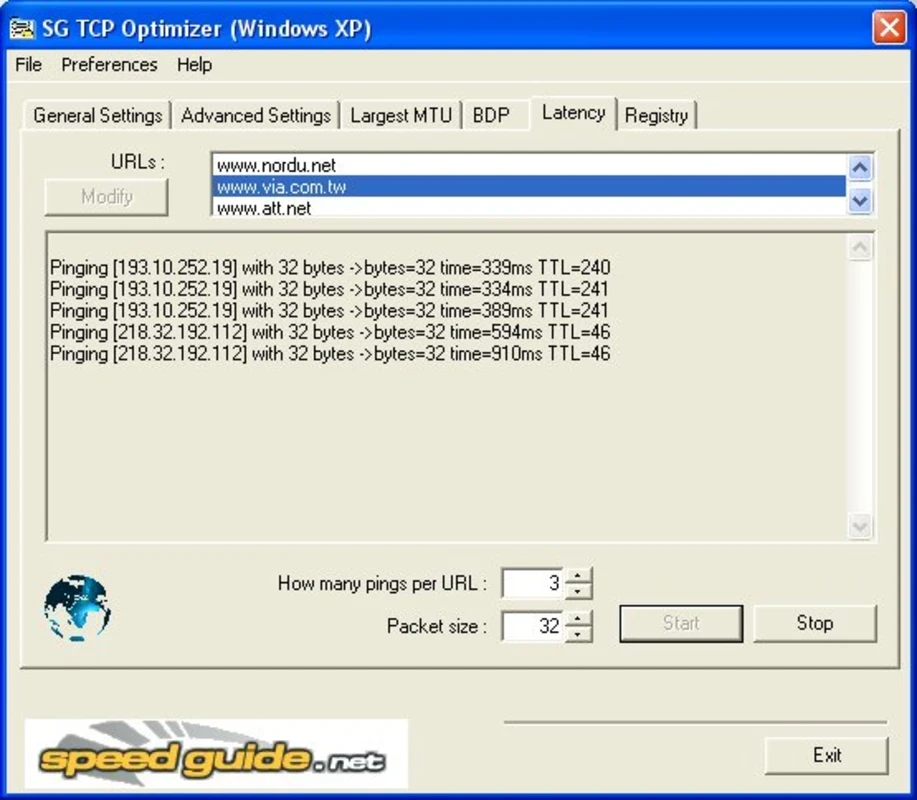
The app offers multiple innovative tasks along with automatic optimization within huge innovative functionality, as it enables testing latency, providing detailed analysis related to current TCP/IP settings, and also conception-based recommendations to manage entire tweaking accurately. The industry-standard educational tool offers effortless services for all types of users to reliably learn the inner workings of their network.
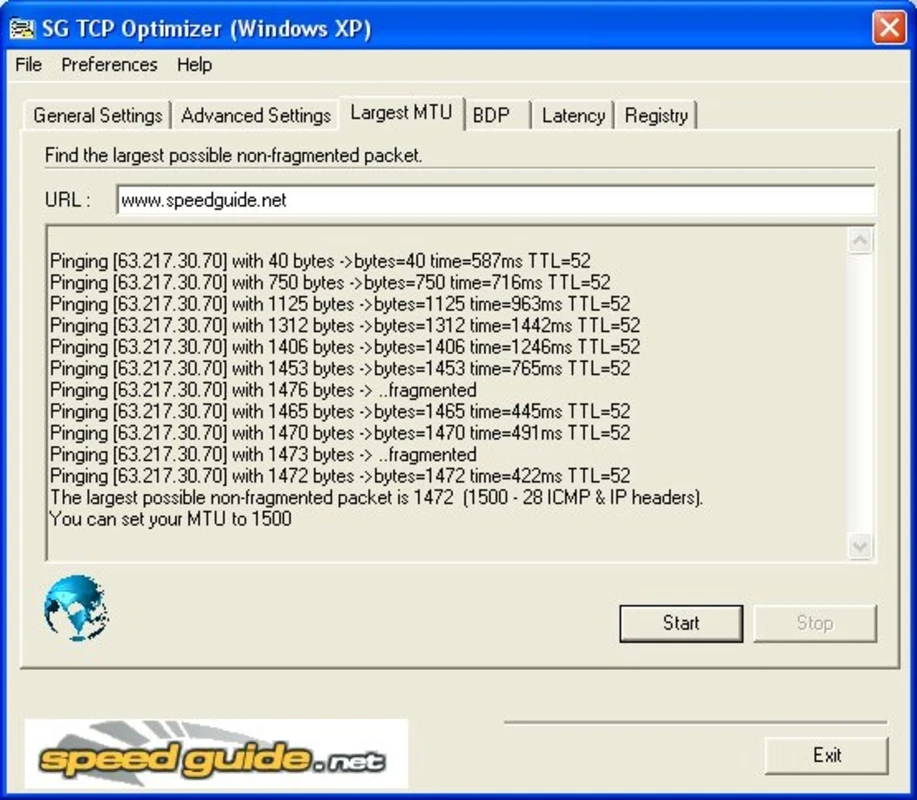
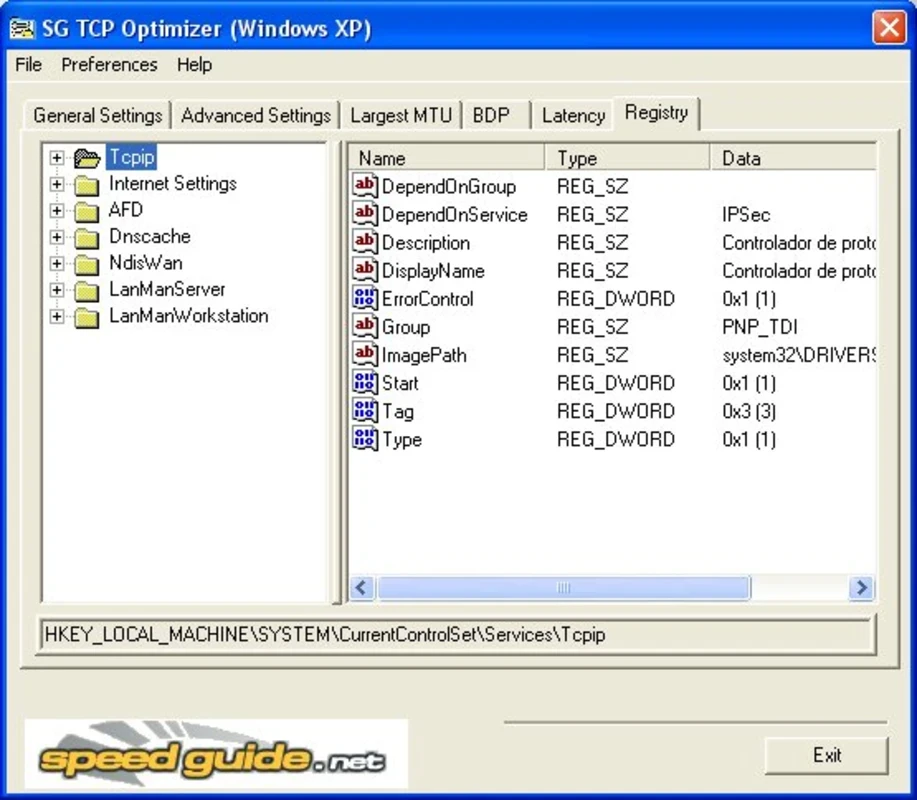
The availability of multiple customization options enables users to customize the network settings to significantly improve network efficiency, enabling users to manually modify important Registry parameters such as MTU, RWIN, and even advanced ones like QoS and ToS/Diffserv prioritization. It also offers the best MaxMTU value to manage your specific connection. Moreover, it tunes any internet connection type, from dial-up to Gigabit+, without requiring a standard installation process.
Pros
Cons

MSI Kombustor is a utility for testing GPU performance and graphic cards stress tests.

Unlocker allows you to delete, move, and rename locked files from your operating system

Custom Resolution Utility (CRU) fine-tuning and customizing resolution on pc

GS Auto Clicker use for repetitive clicking of the mouse

Caffeine, a lightweight and free-to-use utility to prevent your PC from falling asleep or locking up

Windows 10 Update Assistant updates your pc to the latest version of Windows 10